
Services · AI automation & agents
AI assistants and agents that do real work
Custom AI assistants, agents and automations on the Claude and OpenAI APIs, connected to your website, CRM and inbox, tested before launch and supported after it.
Claude API · OpenAI API · RAG · Make · n8n · Zapier · HubSpot · GoHighLevel
In short
Sellwright Studio builds AI assistants, AI agents and AI-powered automations for growing businesses. We find the tasks that eat your team's week, then build assistants that answer from your approved content, agents that handle multi-step work on the Claude and OpenAI APIs, and lead-generation agents that qualify and route leads into HubSpot or GoHighLevel. Every system is tested on real examples, hands off to a person when it is unsure and is supported after launch.
- Platforms
- Claude API, OpenAI API, RAG, Make, n8n, Zapier, HubSpot, GoHighLevel
- Pricing
- Setup fee plus optional monthly support, fixed in a written scope
- Timeline
- Agreed in the written scope
- Led by
- Raja Sheryar, founder
What's included
Everything the build needs
AI assistants and chatbots
Assistants for your website, WhatsApp or email that answer from your own approved content, capture leads and hand the conversation to your team when they are unsure.
AI agents
Agents that finish multi-step jobs: read an email, pull out the details, update the CRM record and draft the reply for a person to approve.
Lead-generation agents
Agents that research, qualify and enrich new leads, then route them to the right owner in HubSpot or GoHighLevel, so no enquiry waits for someone to copy it across.
RAG over your documents
Answers grounded in your FAQs, policies, price lists and documents through retrieval, so the assistant quotes your facts instead of guessing.
AI inside your workflows
Make, n8n and Zapier workflows with AI steps for summaries, classification and drafts, connected to your CRM, Google Workspace and website.
Testing, guardrails and support
Tested on real examples before launch, logged and limited, with a person approving anything sent to a customer, then monitored and improved every month.
Related work
Built by the studio
Process
Four stages, no surprises
- 01Task listWritten scopeFixed quote
Find the right jobs
A call about your tools and the tasks that eat your team's week. You get a written scope listing each assistant or workflow, what it connects to and a fixed quote.
- 02Your accountsReal test casesHuman approval
Build and test on real cases
We build in your own accounts and test on real examples from your business, with limits and a person approving anything sent to a customer.
- 03First-run checksTeam walkthroughShort guide
Launch and train your team
We switch it on, watch the first runs closely and show your team how it works, with a short guide and a recorded walkthrough.
- 04MonitoringFixesMonthly report
Support and improve
Optional monthly support: monitoring, fixes and new automations as your business changes, with a plain-English report.
FAQ
AI automation and agents: questions
 Raja SheryarFounder, Sellwright Studio
Bring your question to a short call and we will answer it properly.
Book a callWhat can AI assistants and agents do for my business?
The best first jobs are the repetitive ones: answering the same customer questions, qualifying and routing new leads, booking calls, pulling details out of emails and documents, updating your CRM and drafting replies. We start with the tasks that take your team the most time each week.
Do we need technical knowledge to use it?
No. We set everything up, connect it to the tools you already use and show your team how it works, with a short guide and a recorded walkthrough at handover.
Will the AI give wrong answers?
It answers only from information you approve, it is tested on real examples before launch and it hands the conversation to a person when it is not sure. Anything sent to a customer can wait for a person to approve it first.
Which tools and AI models do you work with?
Claude and OpenAI models through their official APIs, Make, n8n and Zapier for workflows, HubSpot and GoHighLevel for CRM, Google Workspace, and websites on Webflow, WordPress, Shopify or Next.js.
Is our data safe?
We use official APIs, give each system only the access it needs and keep your data inside the tools you already use and the AI provider that runs the system. It is not shared with anyone else.
Have you built AI systems before?
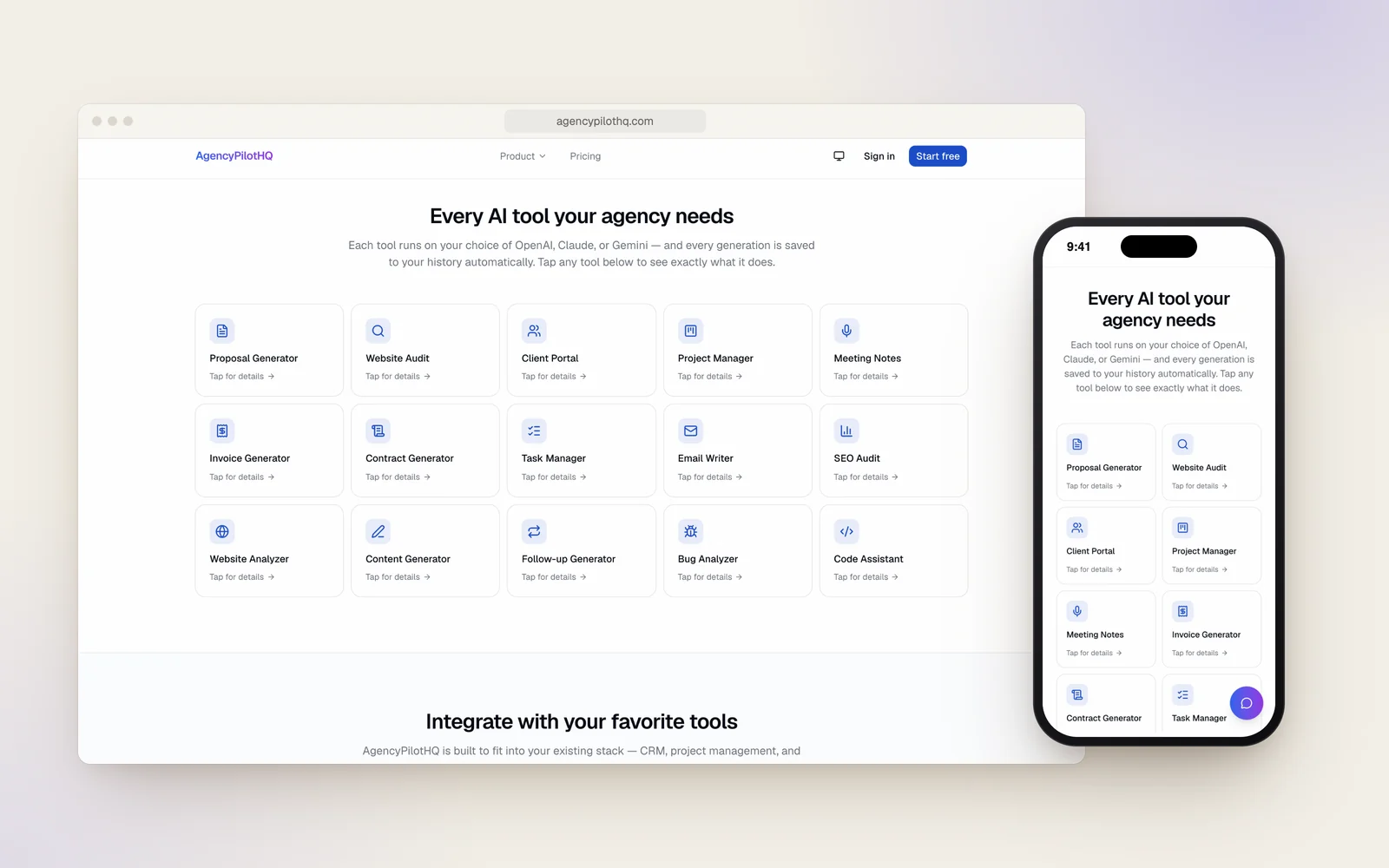
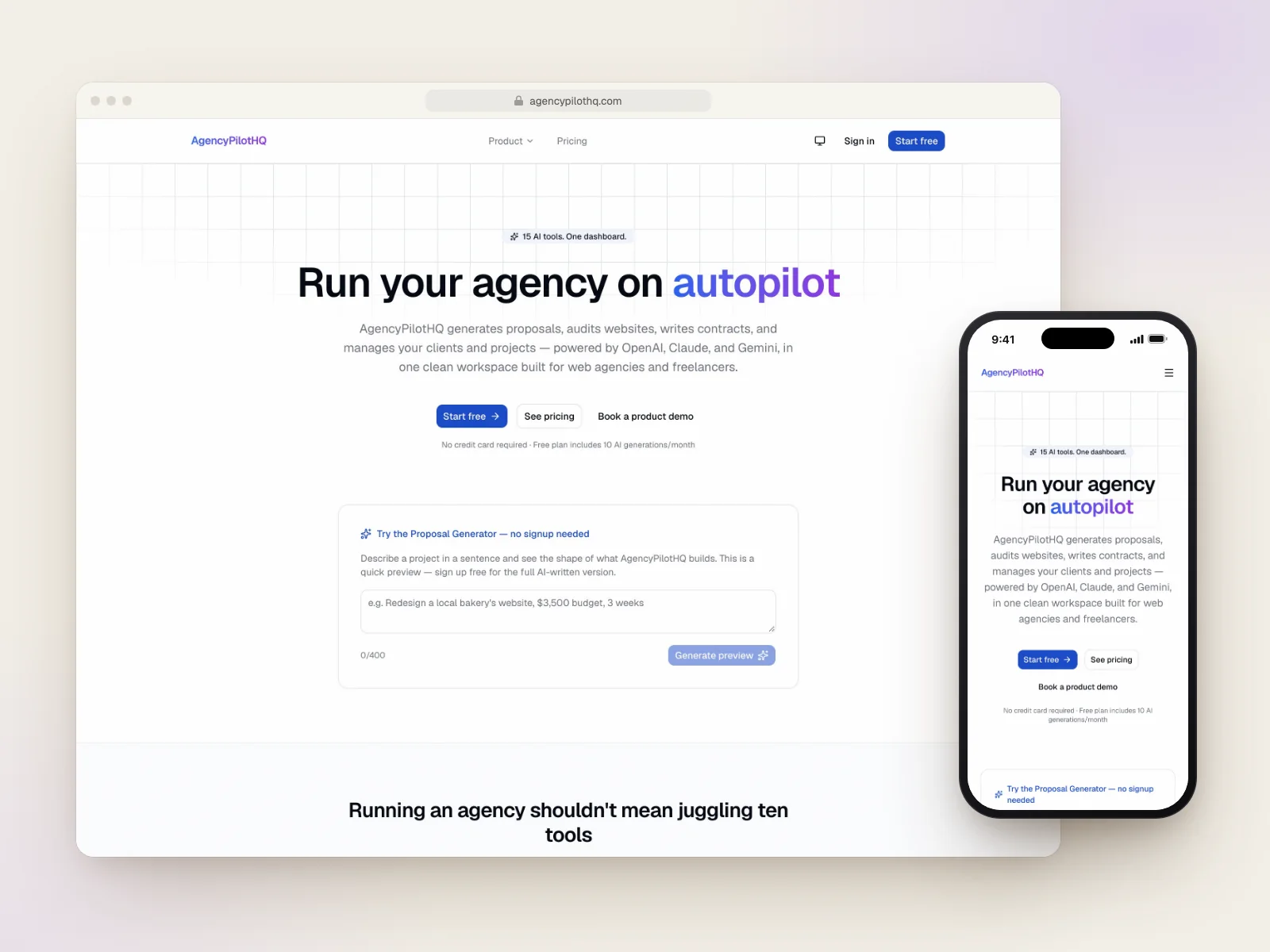
Yes. Our own product, AgencyPilotHQ, runs AI tools for proposals, audits, contracts and follow-ups on the Claude, OpenAI and Gemini APIs. Our own social publishing runs on Make with each network's official API, and we built a demo sales assistant that answers build and price questions for a camper van builder from the builder's own website data.
How is AI automation priced?
Each project starts with a written scope and a fixed quote: a one-time setup fee for the build, plus optional monthly support that covers monitoring, fixes and a new automation each month. AI usage runs on your own provider account, so you own the keys and see the costs directly.



Next step
Ready to put AI to work?
Book a short call. We will look at the tasks that take your team the most time and send a written scope with a fixed quote.
Book a callOr write to hello@sellwrightstudio.com